


Instant Answers. Lasting Customer Relationships.
Nito answers customer questions instantly, brings in a live agent by chat or instant call, and books the next check-in when it matters.
An Insurance Provider Makes Customer Support Easier to Reach
A Fortune 500 insurance provider used Omnito to match customers with the right specialists and offer more self-service appointments. Automated email and text reminders helped customers attend or reschedule without another round of calls.
Read the case study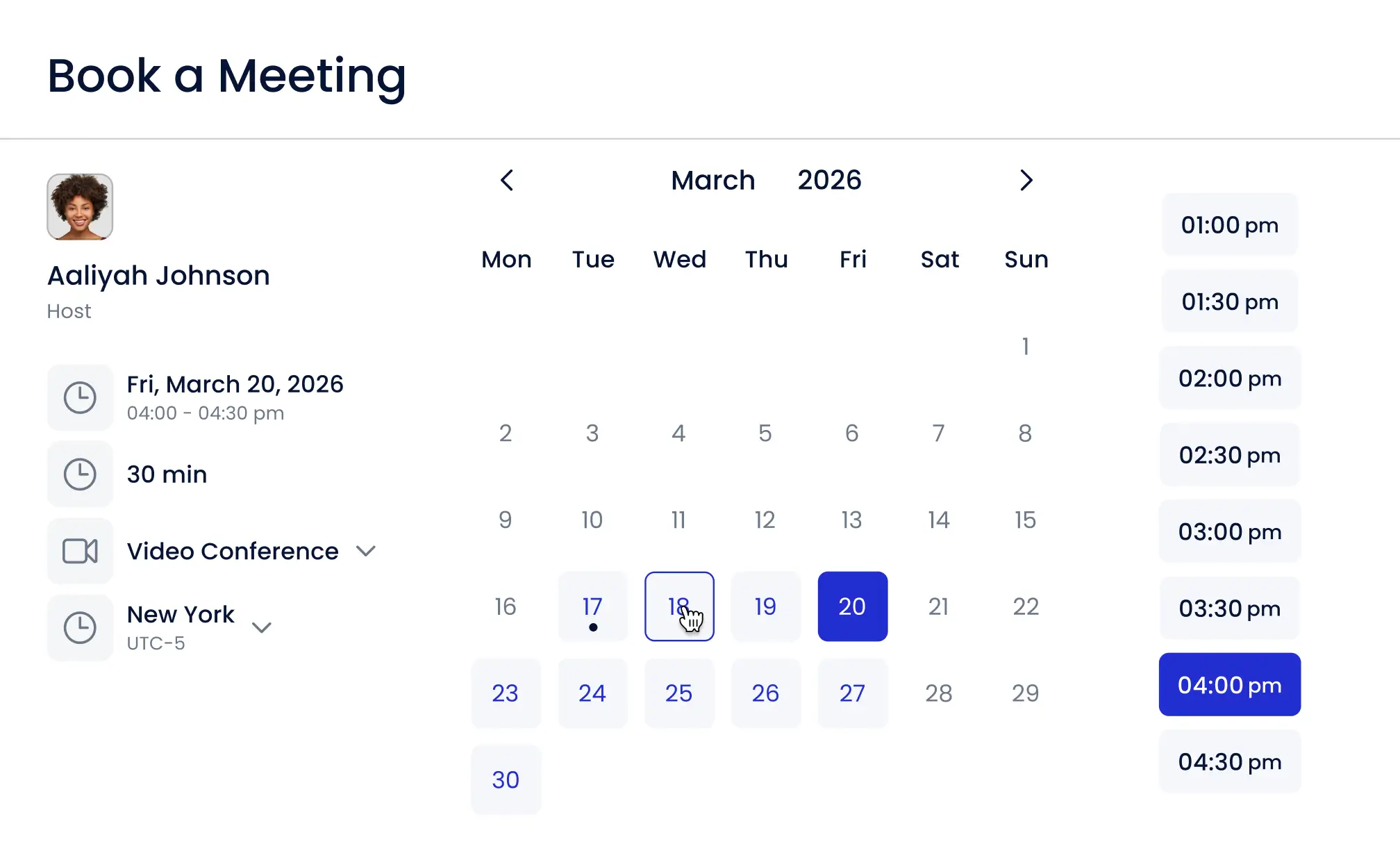
Keep Customers Answered. Keep the Relationship Moving.
From a quick question to an onboarding call or account review, keep support and customer success working from the same conversation. Help customers now and make the next step easy.

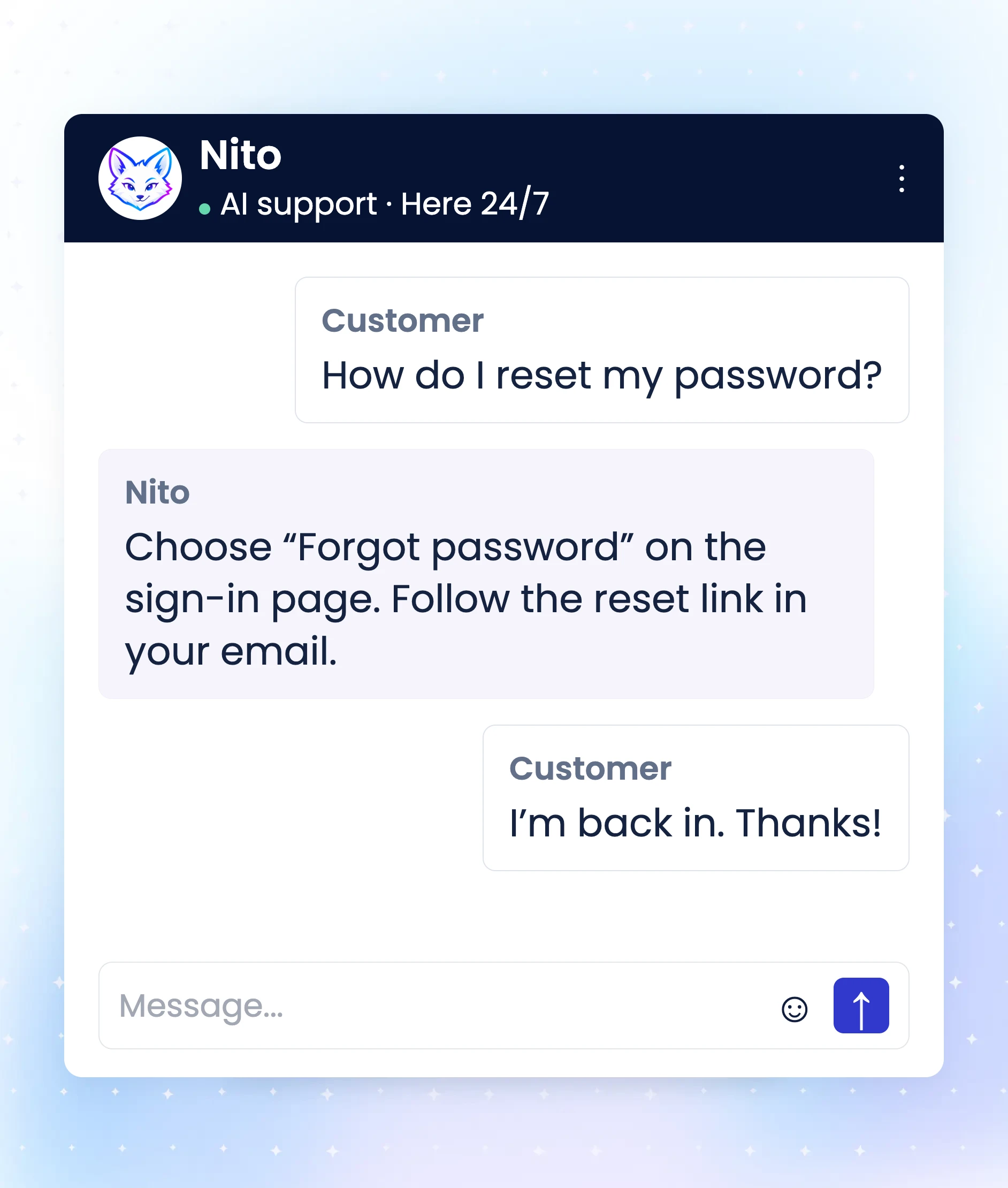
Answer the everyday questions
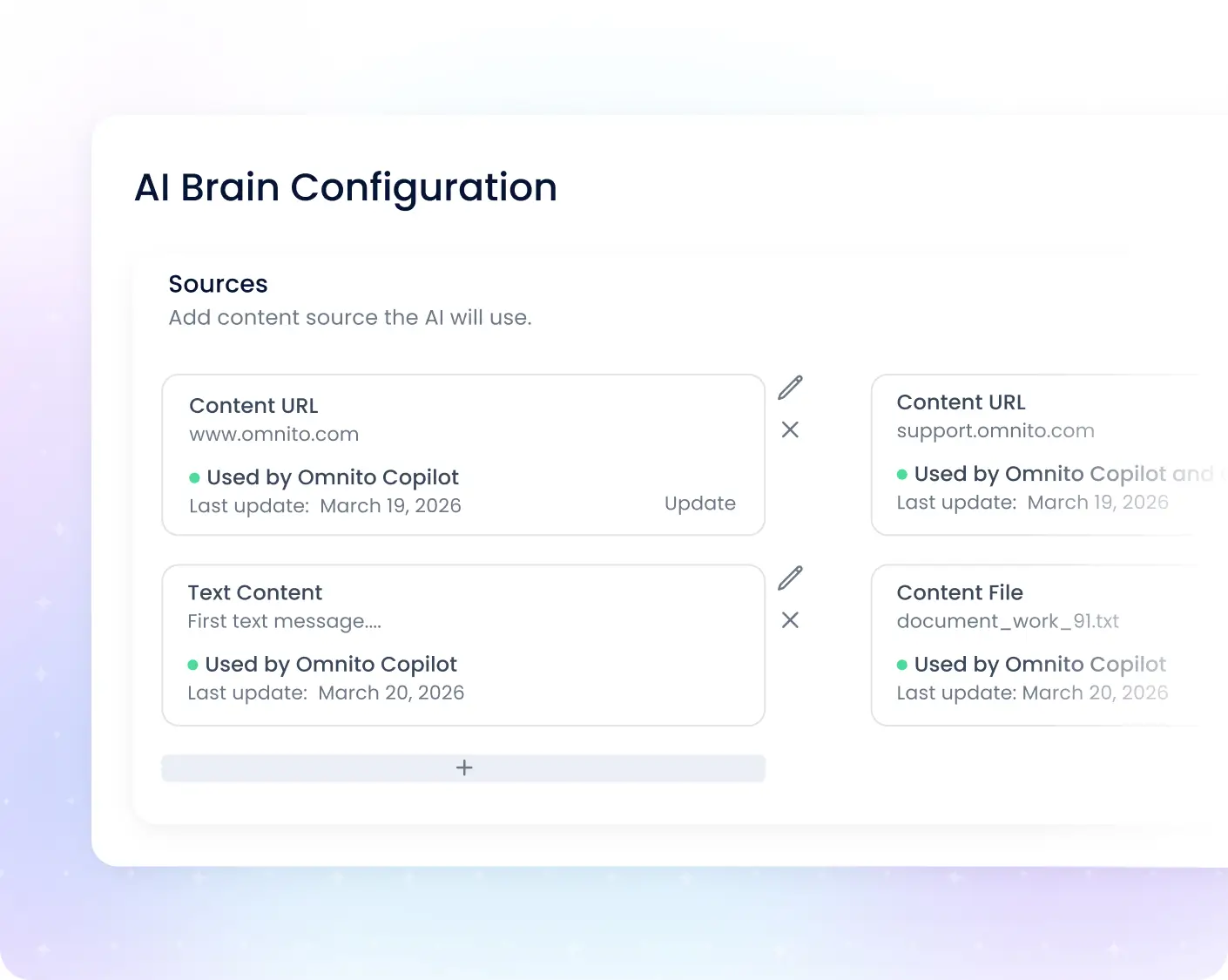
Let Nito answer from your business knowledge instantly. Customers get help in the chat instead of waiting for a meeting, and your team can focus on the questions that need a person.

Bring in a person when it matters
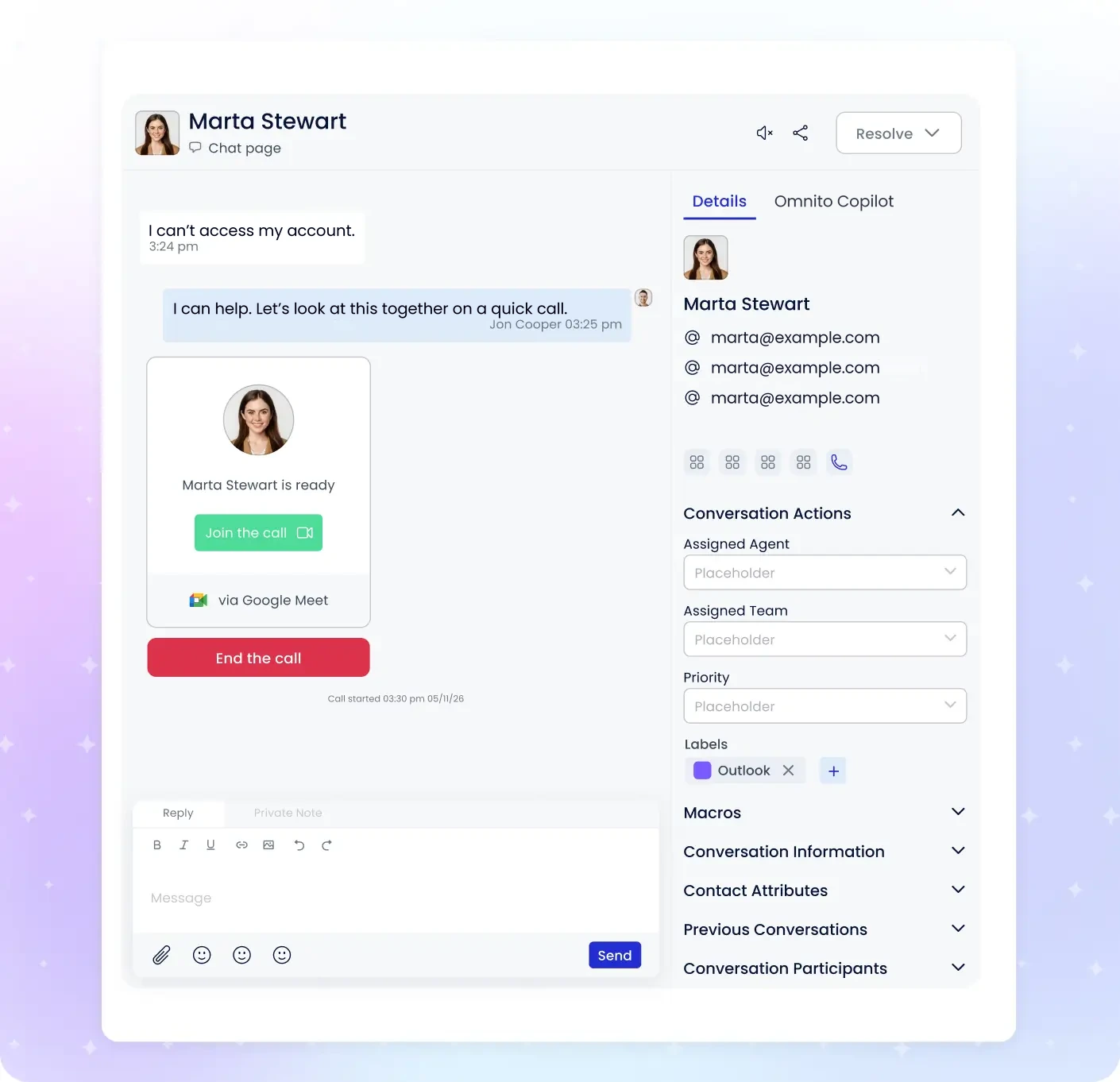
Hand the conversation to a live agent with the context intact. Move from chat to an instant call and share a screen when showing the answer is easier than typing it.
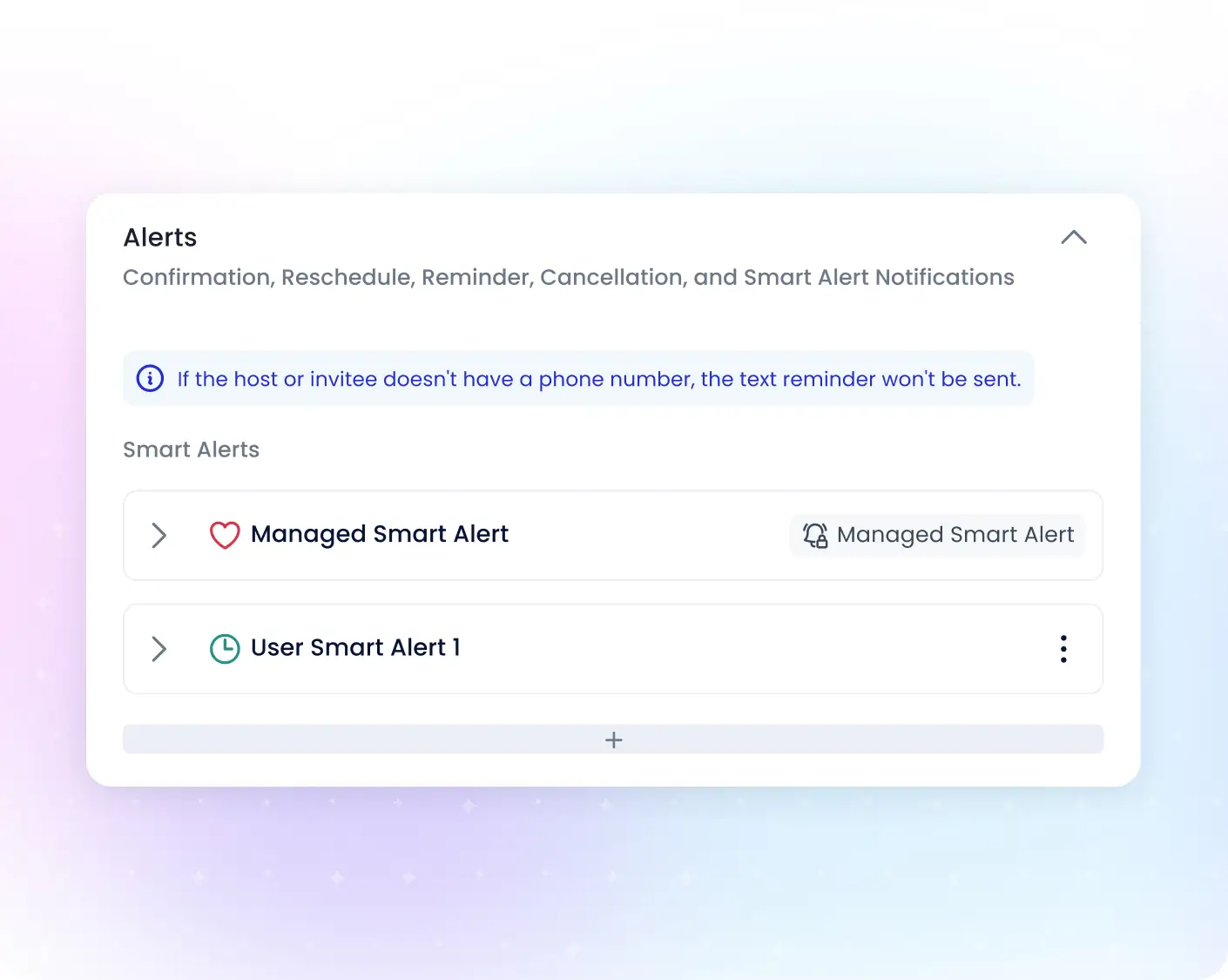

Make customer check-ins easy
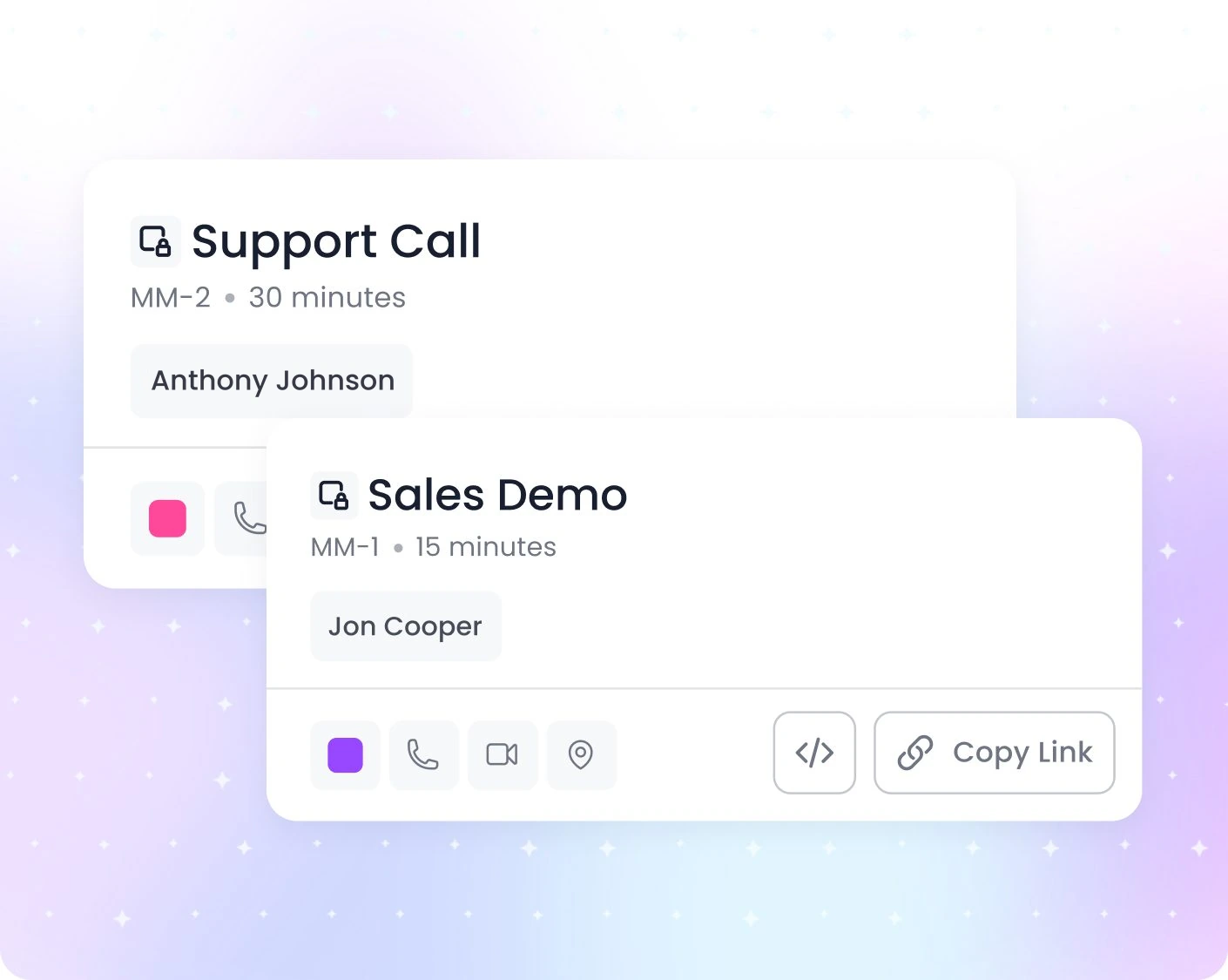
Let Nito book onboarding, training and success check-ins from the conversation. Calendar availability and automatic reminders take care of the coordination without another email chain.
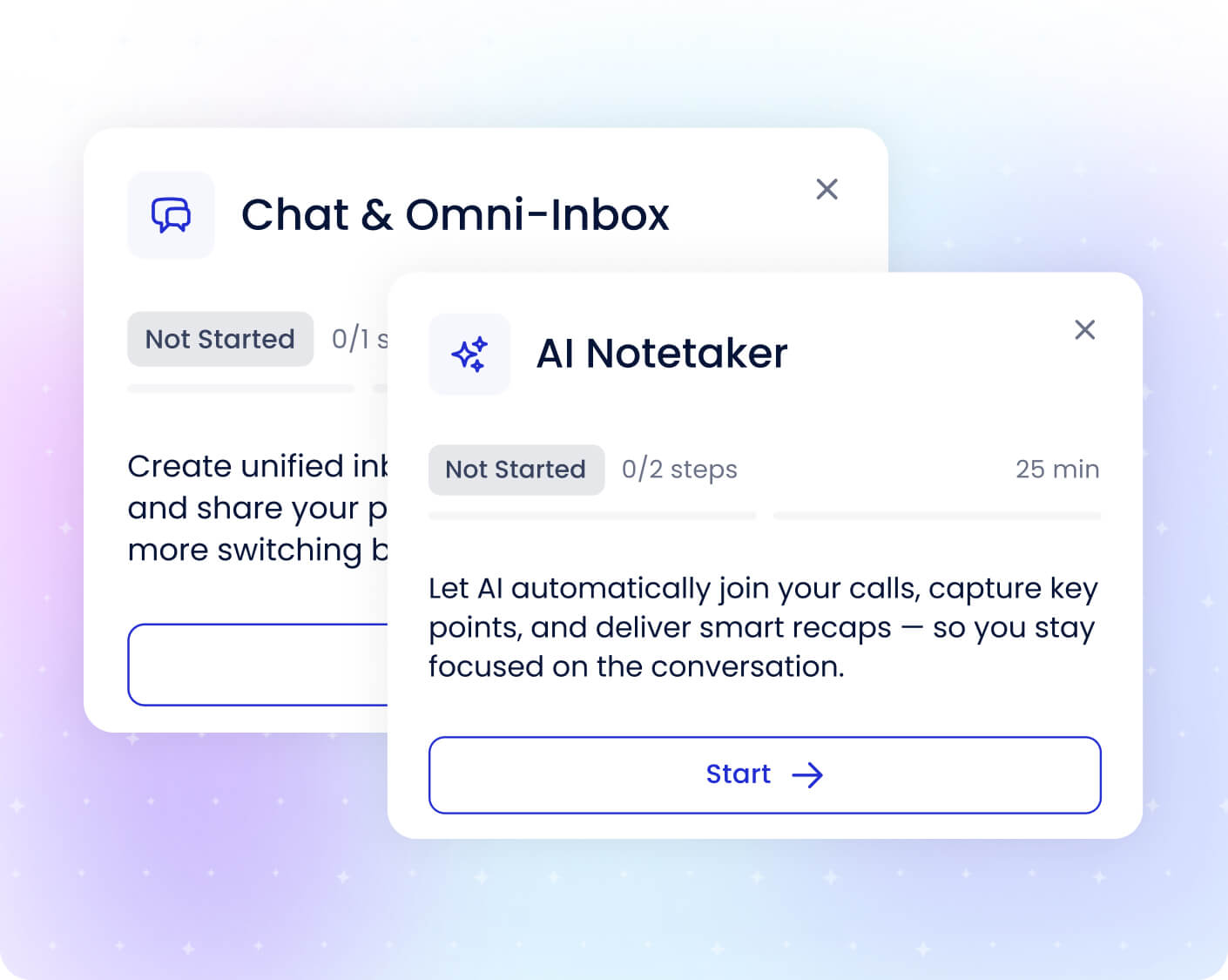

Carry the next steps forward
Capture meeting summaries and action items with Notetaker. Use Nito to draft the follow-up, so support and success teams can keep promises clear after the call ends.
Keep Support Organized Behind the Scenes
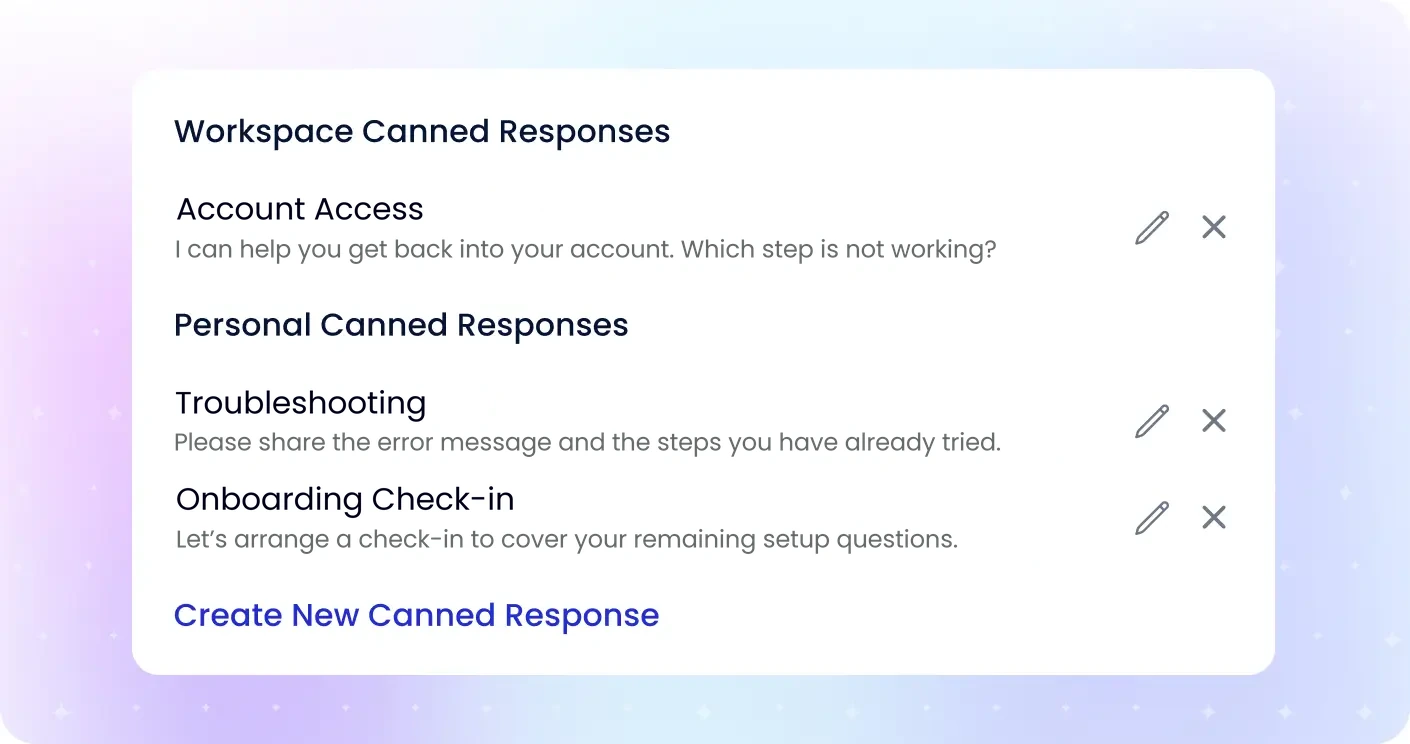
Save reusable responses with shortcuts so support teammates can answer common questions consistently without retyping the same guidance.
Bring chat, email, SMS and Messenger into one shared Omni-Inbox. Keep messages, notes, bookings and follow-ups together, with clear ownership across support and customer success.

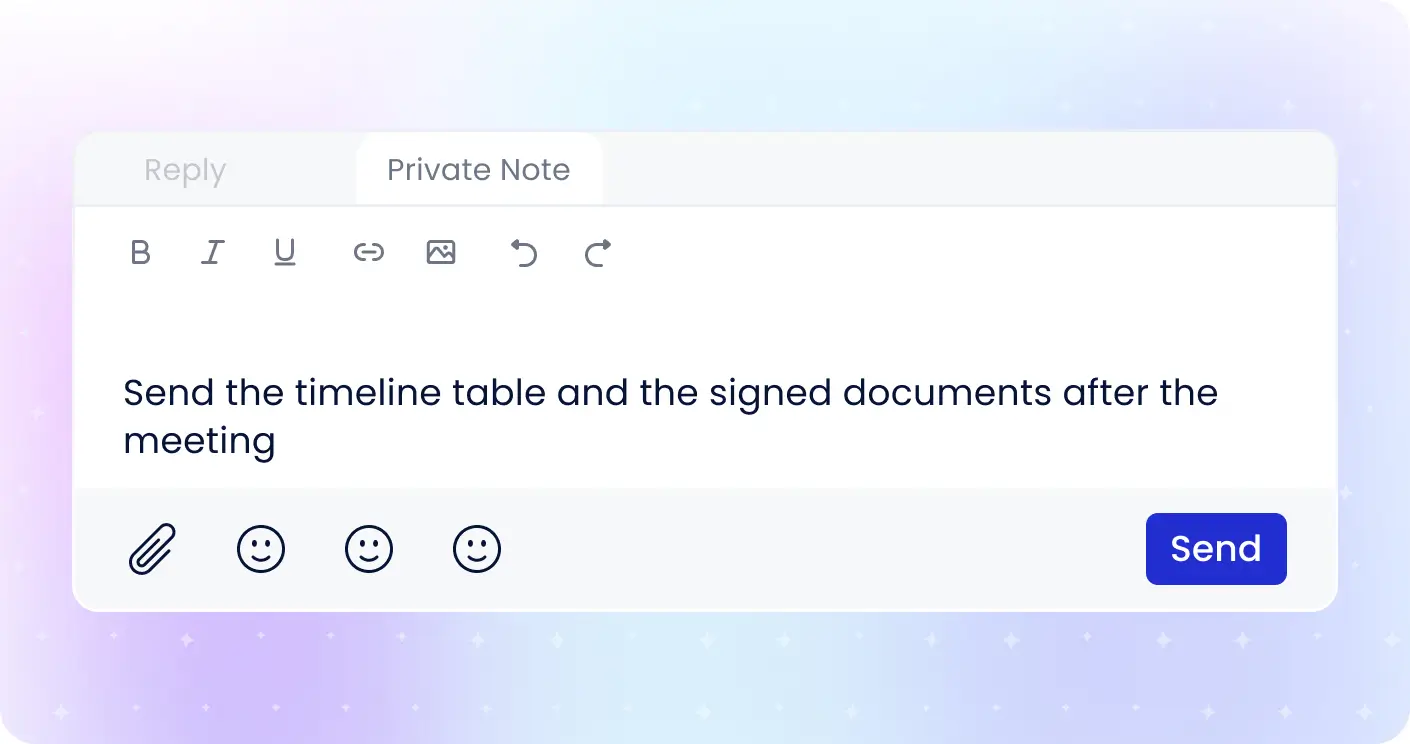
Add internal notes inside the conversation thread so teammates can coordinate the next step without sending the discussion to the customer.
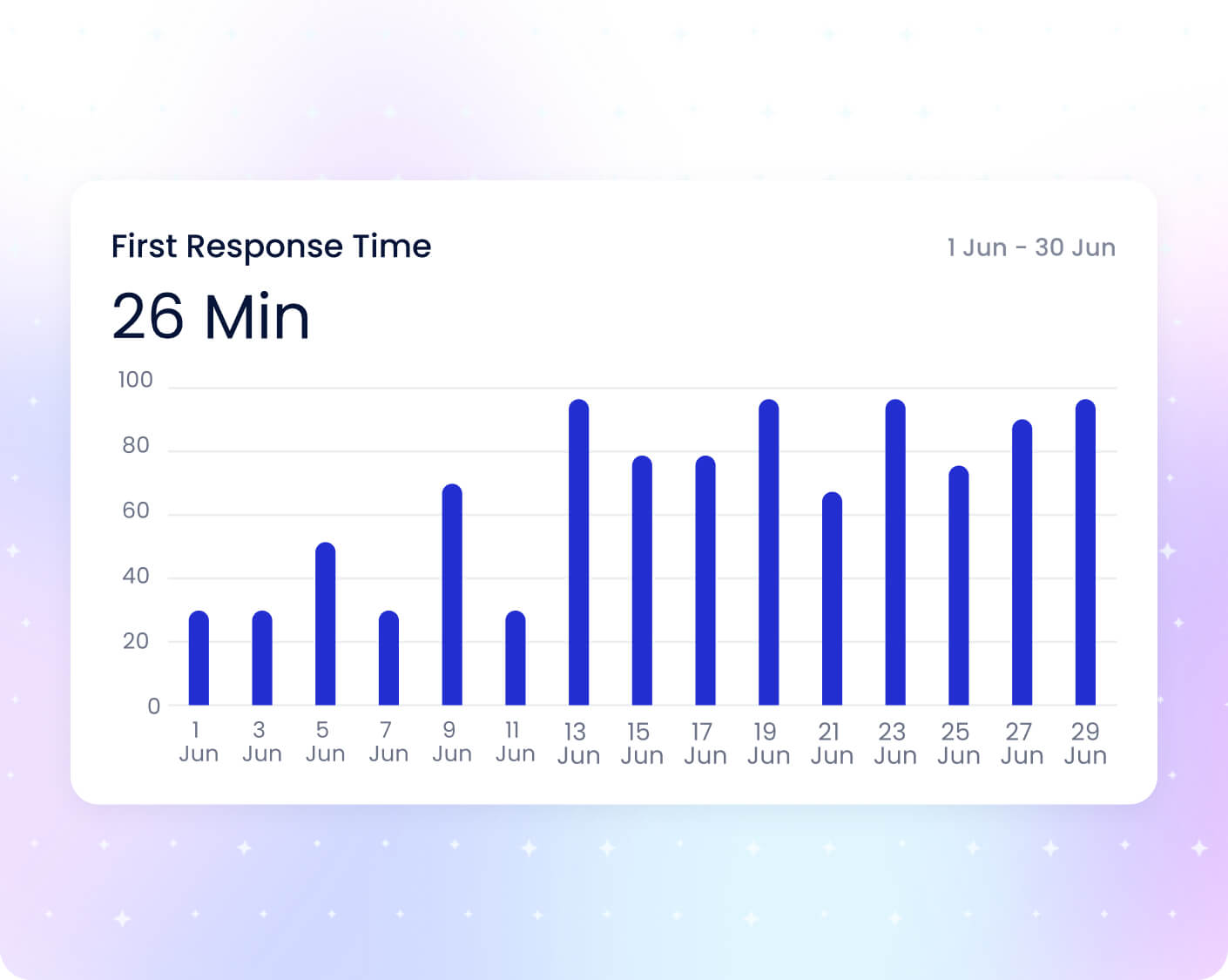
Review conversation volume and response times to see how your support team is handling demand and where customers are waiting.
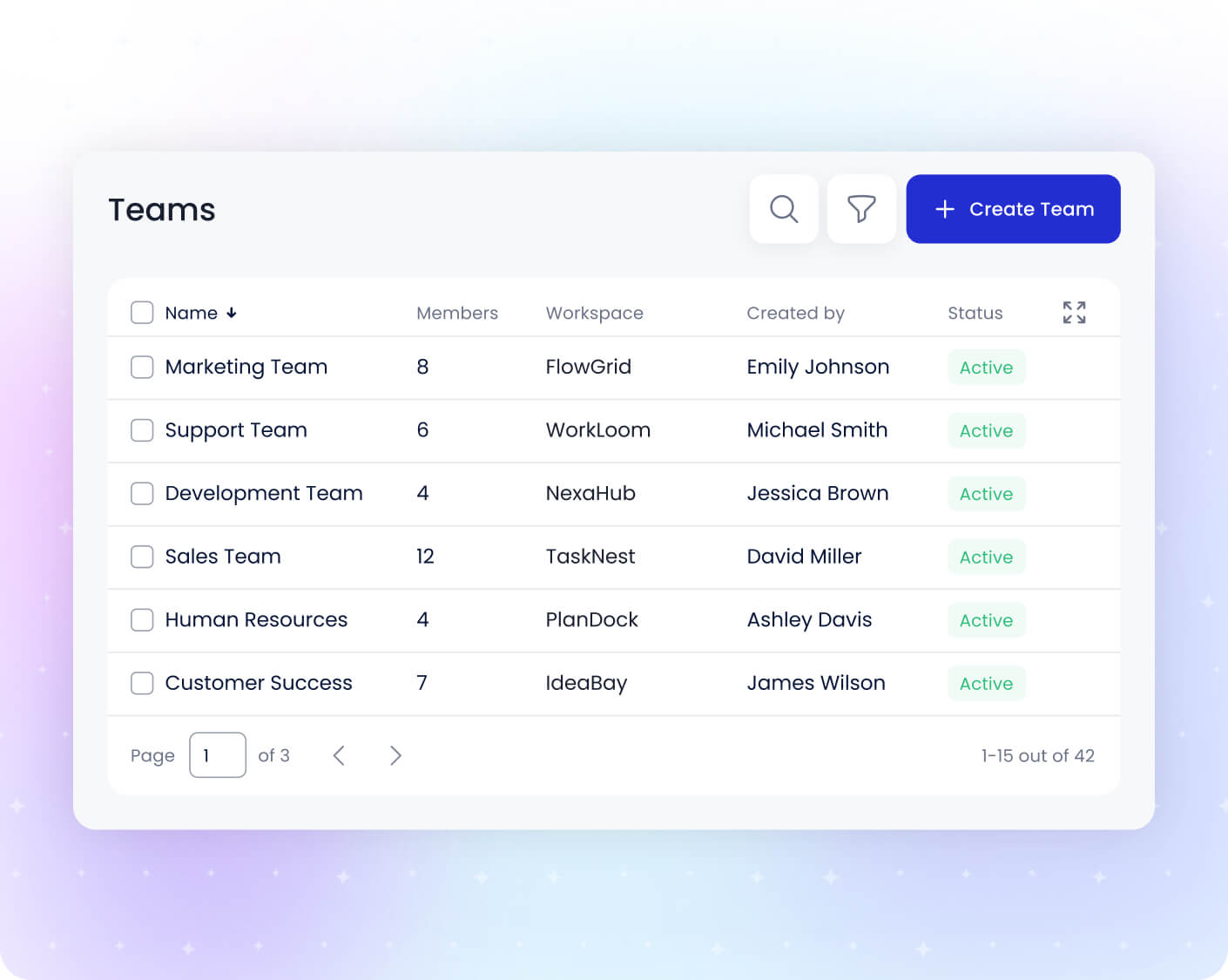
Group teammates by function, region or role and delegate day-to-day administration to group admins. Manage users, roles and permissions as your customer-care operation grows.
Keep Every Customer Conversation Moving
Answer with AI, connect a live agent when needed, and make the next check-in easy. Keep customer care connected from the first question to the follow-up.
 Google
  Microsoft